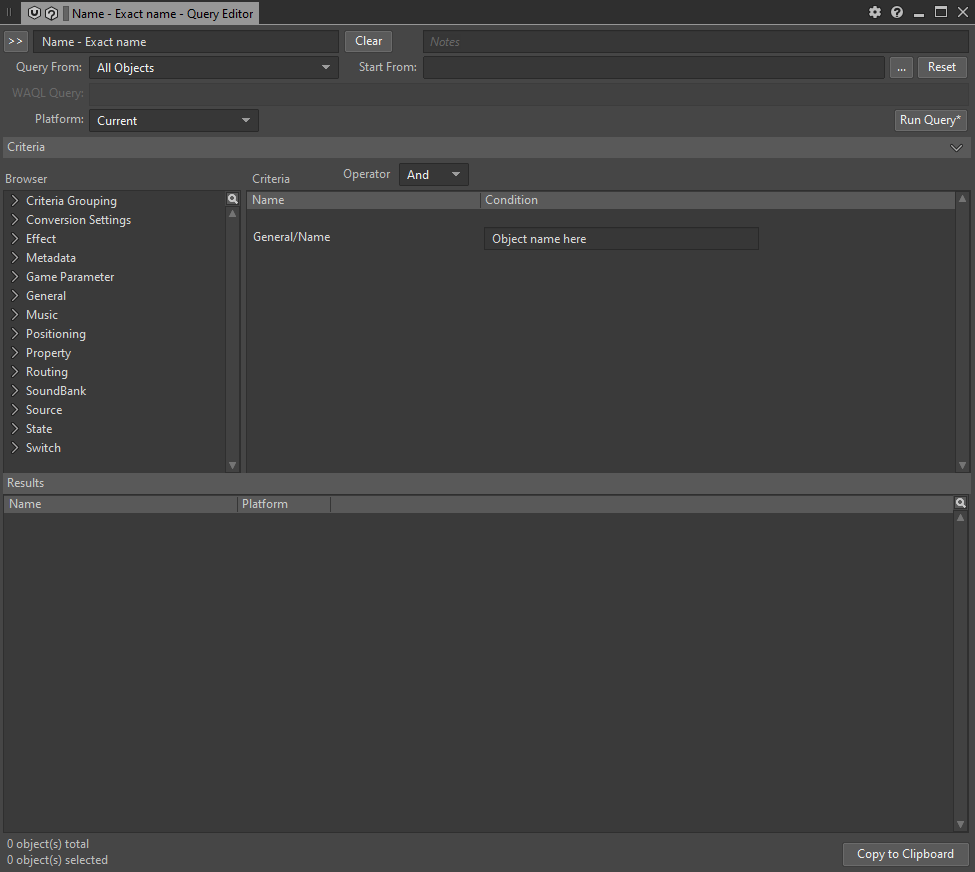
There are three ways to trigger queries from code. With two of them you are also able to create the queries on the fly.
-
Creating Waql queries and trigger them
-
Creating Waapi queries and trigger them
-
Triggering queries that were created in Wwise
To better follow whats going on, here is the official Wwise Documentation.
Setting up the connection
First we need to establish a connection to Wwise.
Using Waql to get all Wwise queries
In order to retrieve all Wwise queries we can use waql.
The command would be the following. You can press control+shift+f in wwise to open the list view and try it out.
To trigger that in code we need to wrap our command in a json format.
Trigger a Wwise query
We could display all of the retrieved queries in the section above in some Gui-Application and store the query id.
If the query doesnt find any objects the call function will throw an exception. For that reason we need to wrap it in a try catch.
Creating a Query using Waapi
Wrapping your head around creating query calls with waapi is a bit more complicated, since you need to build them with the json structure. But once done its just as simple as the rest.
In this one we are getting all the children in a path. A path can be somethin like “Actor-Mixer Hierarchy”.
There are three building blocks that you can use.
- new JArray()
- new JObject()
- new JProperty()
You will need to encapsulate an argument which is for example “from”, “path” or “transform” into a JProperty. The second argument of the JProperty is either a JObject or JArray depending on your argument. You can look that up for the ak.wwise.core.@object.get command here.
The Result
Retrieving the desired variables from the results work fairly easy.
Like that we would get the name from all items the query returned.